AI Email Drafting, Templates, and HTML Export in One Workflow
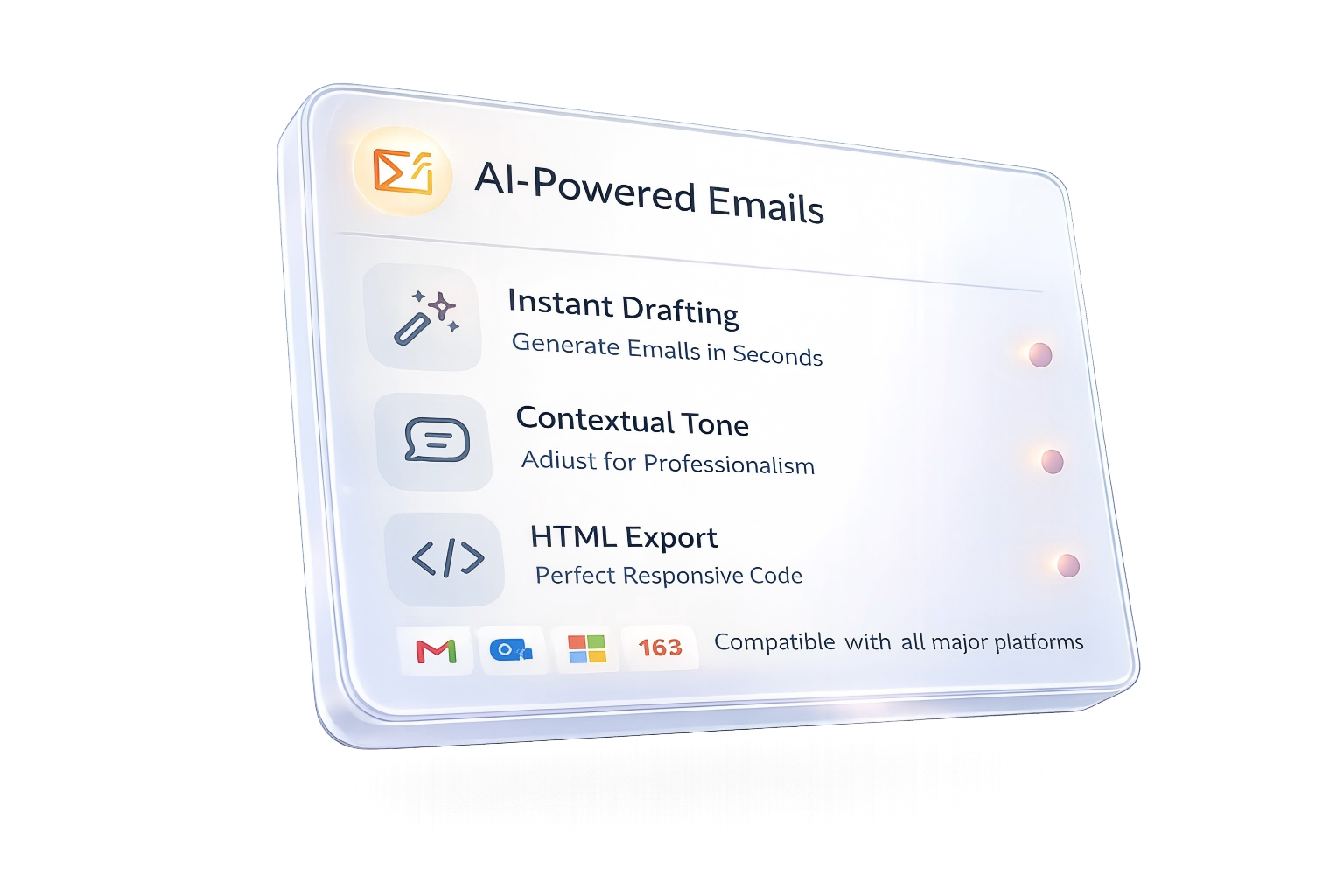
MailNexus combines an email template generator, AI email drafting, reusable templates, and responsive HTML export for outreach, follow-up, newsletter, and support emails.
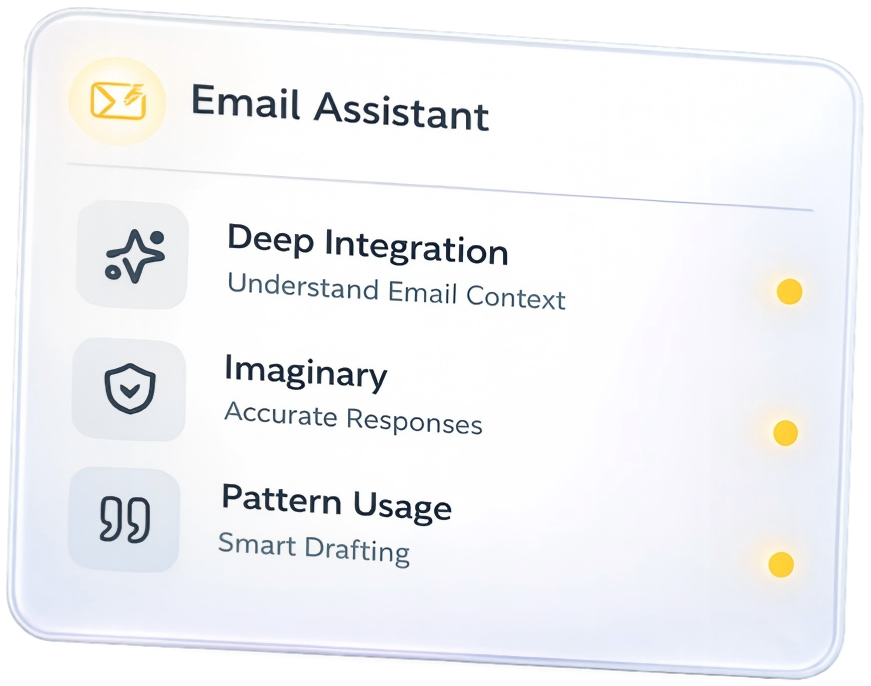
Start in minutes with guided prompts.
Supported Email Platforms



Everything you need to send better emails
From smart drafting to professional HTML export, MailNexus handles every step of your email workflow.
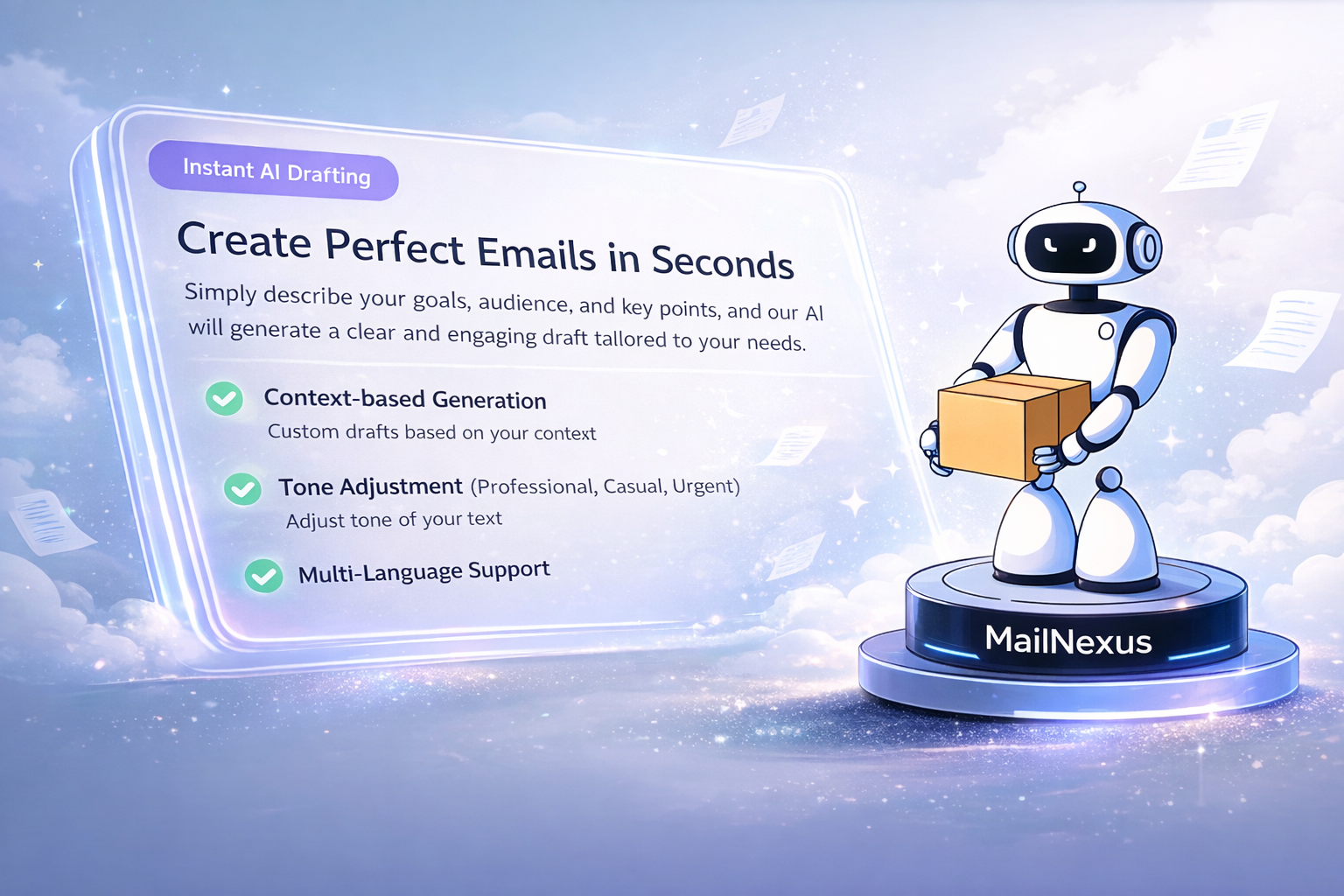
Generate perfect drafts in seconds
Stop staring at a blank screen. Just describe your goal, audience, and key points, and let our AI craft a polished draft for you. Whether it's a cold outreach or a customer support reply, we've got you covered.
- Context-aware content generation
- Tone adjustment (Professional, Friendly, Urgent)
- Multi-language support
Refine with intelligent chat
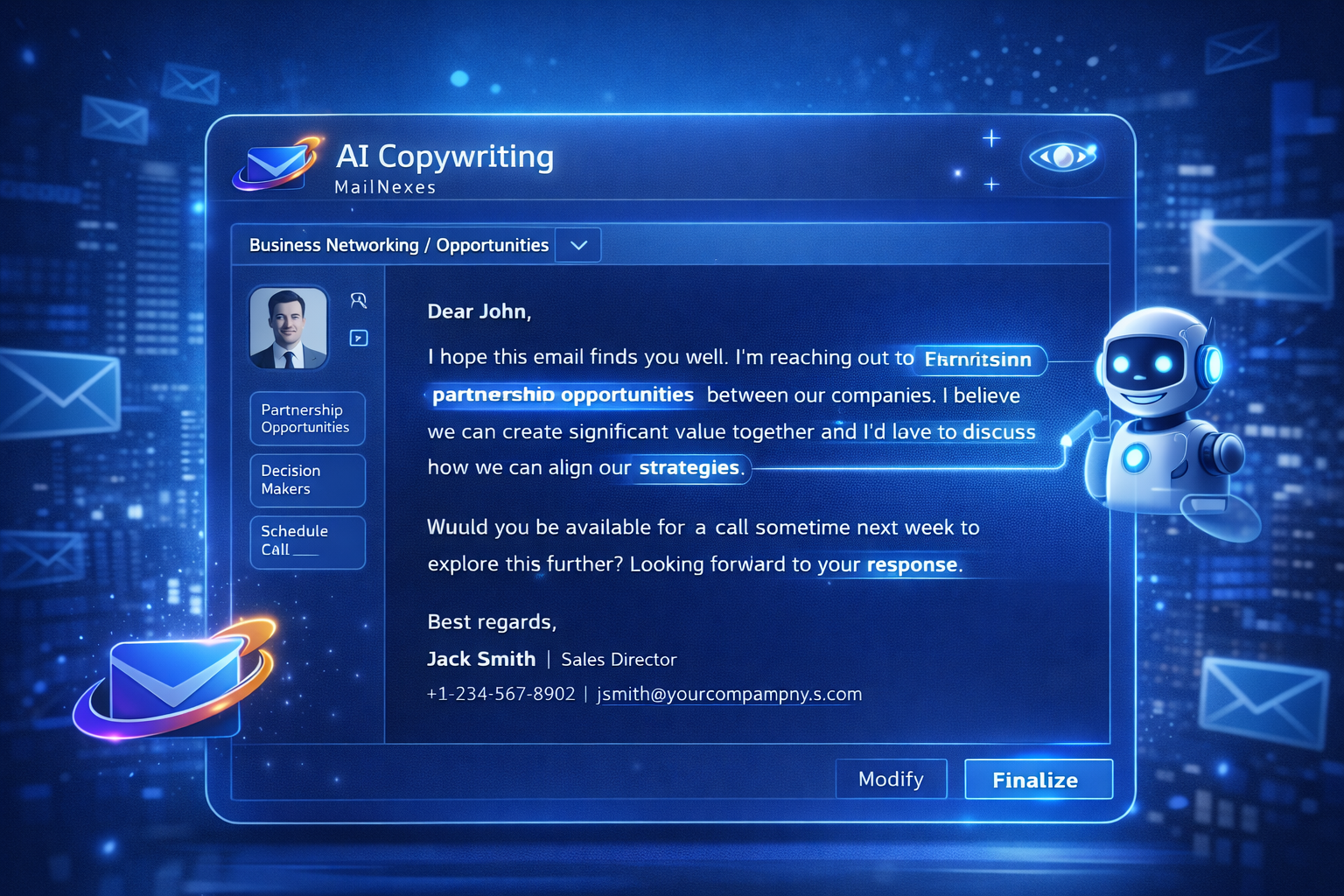
Think of it as your personal copy editor. Use the built-in chat to tweak specific sentences, shorten paragraphs, or change the tone. The AI remembers context, so you can iterate naturally until it's perfect.
- Smart rewriting suggestions
- Length optimization
- Instant grammar correction
Export professional HTML
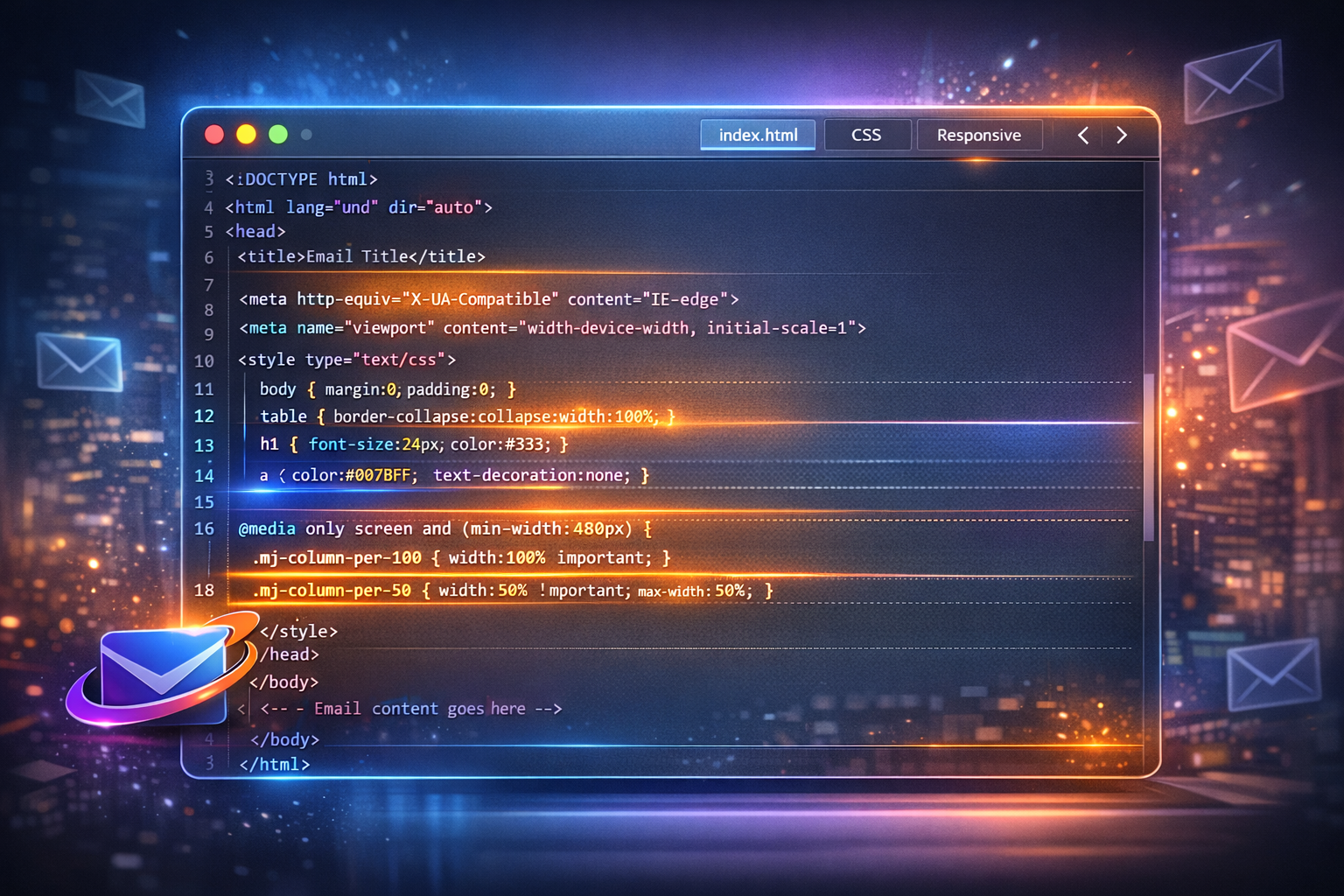
Apply clean themes, then export responsive HTML for common email clients. Preview before sending to keep layouts consistent.
- Clean, responsive HTML output
- Theme presets for quick styling
- Copy HTML for common email clients
Why teams choose MailNexus
A practical AI email generator workflow for drafting, refining, and exporting HTML emails—without losing your voice.

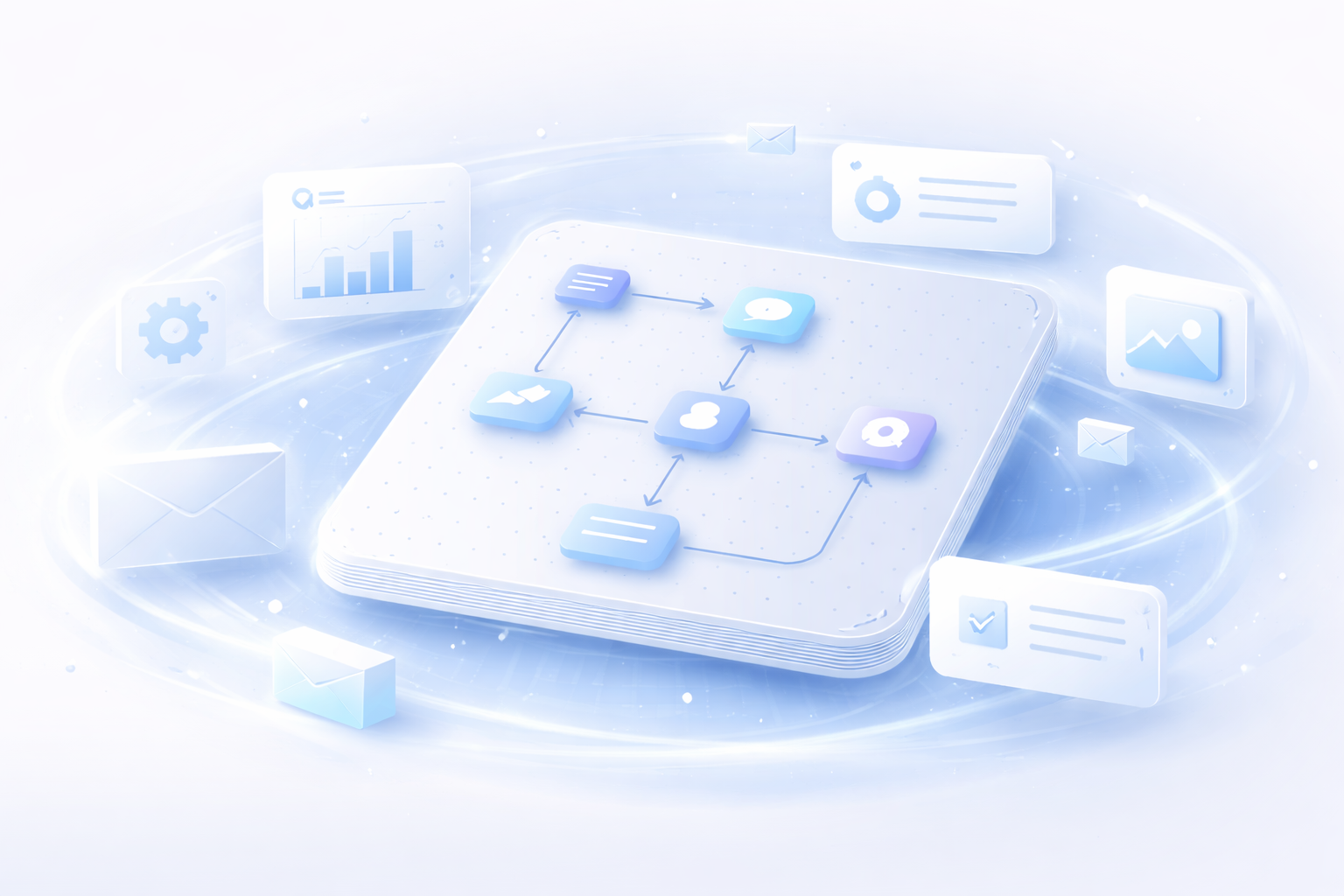
From idea to send-ready in 3 steps
A simple, intuitive workflow designed to save you time. No complex onboarding required—just start writing.
1. Generate a draft
Select your use case (e.g., Sales Outreach) and input a few key points. Our AI analyzes your intent and generates a structured, high-quality first draft instantly.
2. Refine with chat
Interact with the AI assistant to polish the content. Ask it to 'make it friendlier', 'shorten the second paragraph', or 'add a stronger closing'. It's like having a pro copywriter by your side.
3. Export and send
Once satisfied, choose a theme and export the code. Copy plain text or responsive HTML into your email client.
Automated
Save 90% time
Workflow outcomes
Connecting the World
MailNexus helps teams communicate clearly across regions and languages.
Latest from the Blog
Tips, tricks, and insights on email marketing and AI productivity.


Frequently Asked Questions
Everything you need to know about MailNexus.
Ready to write better emails?
Start with a practical AI email workflow in minutes.
How MailNexus is organized for search and AI discovery
The homepage explains the full product, then routes users and crawlers to the main generator, AI-first generator, template library, and supporting guides.